
Facetune

Facetune is an extremely famous mobile editing application that helps users enhance, retouch, and transform their images and videos. It has earned recognition through its portrait and selfie editing capabilities.
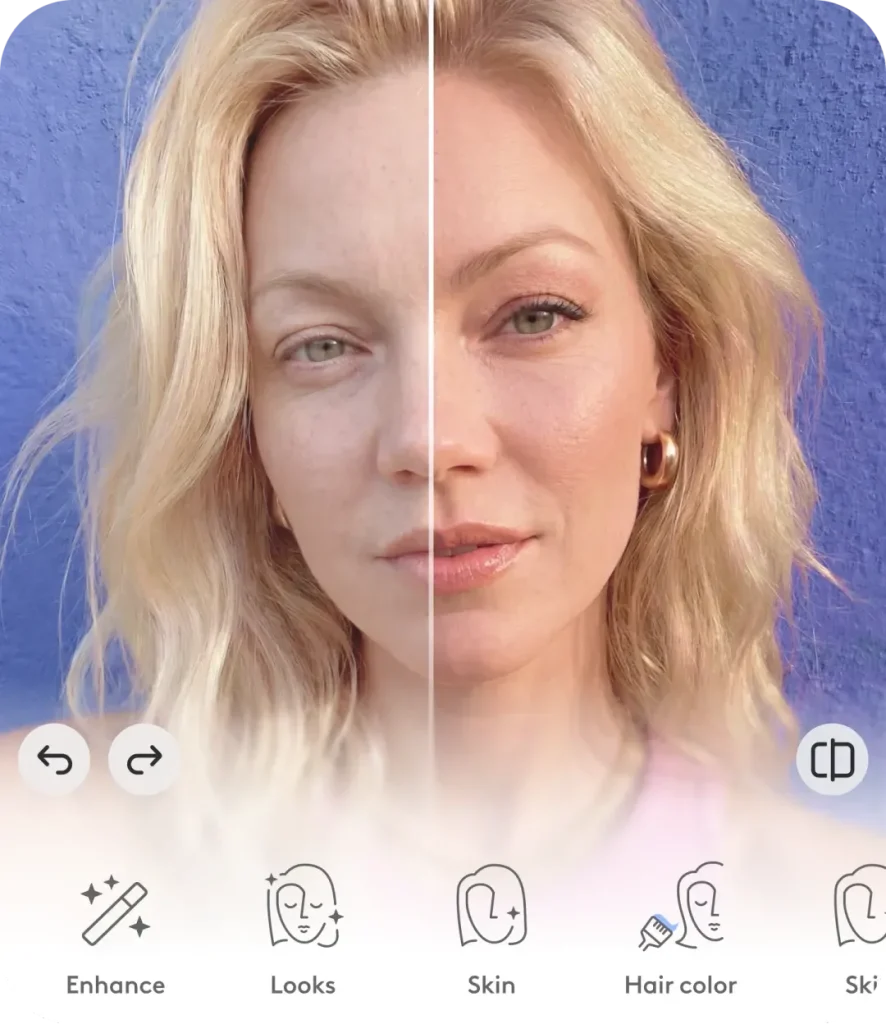
What is Facetune app?
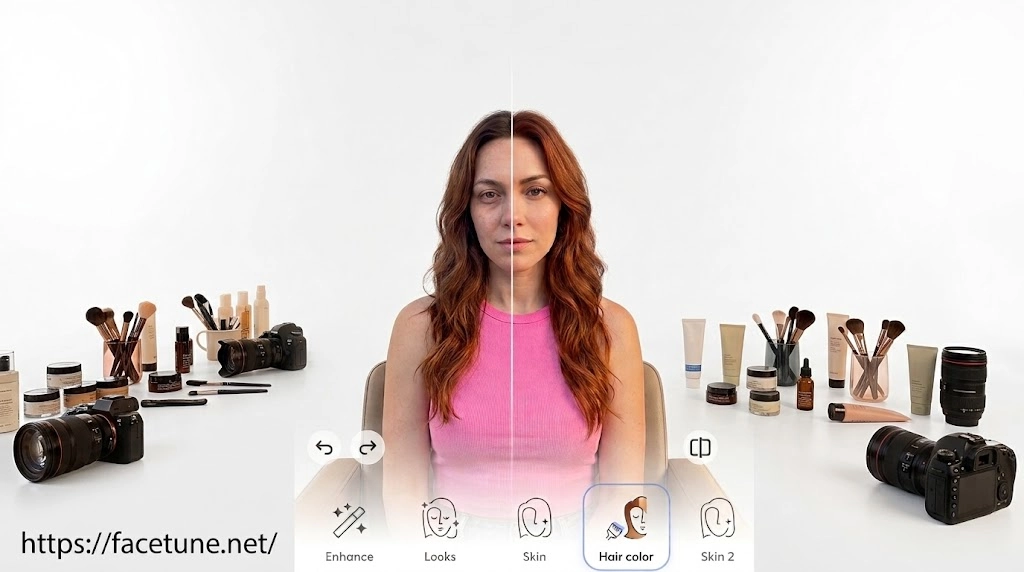
Facetune is an app created by Lightricks that allows editing of photos and videos. This application came to fame because it made portrait editing simpler when done on a smartphone. Editing is no longer restricted to complex desktop editing software. In its development, Facetune has evolved beyond regular selfie editing. The application now boasts of a wide range of editing tools which include but are not limited to artificial intelligence editing, retouching, video editing, makeup features, background editing, among others. These editing features make Facetune a good application for both fast and fine editing.
For those who are new to Facetune, there are plenty of tools available, which could create confusion. However, the best part about Facetune is that one does not require professional skills to start using it. There are some basic steps of editing that are meant to be performed through smartphones.
What can you do with Facetune?
It is applicable in various forms of editing. One may just open the application to edit out a small mark on their face, while other people may apply numerous editing tools to totally transform their portraits.
Basic uses of the application.
- Enhancing portraits
- Touching up the skin
- Correcting facial features
- Changing hair styles and colors
- Putting on makeup
- Removing undesired items
- Replacing the background
- Editing videos
- Using filters
- AI photo editing tools
Facetune App Features
AI Photo Retouching
There are several functions of Facetune that assist in retouching the image and making it better looking. Users can eliminate blemishes such as pimples and other small spots that may make an individual’s face less attractive. It is possible to smooth out the skin of the model and conceal the areas around the eyes. The app allows its users to edit the images according to their tastes. Thus, you can use these functions when you want to make your pictures look better before posting them on social media.
Teeth Whitening
The teeth whitening feature is used to improve the appearance of the teeth in pictures. The feature can come in handy especially when the light settings cause your teeth to look darker than they do in reality. The users have the freedom to manipulate the teeth whitening feature so as to have a more dazzling appearance in selfies and portrait photos.
AI Face and Body Reshaping
Facetune is one of the software packages that has the tools for shaping the face and body appearance through photos. Using a particular tool, a user can modify his/her facial contour and proportions according to personal preferences. This can be achieved without necessarily having any expertise in editing the photograph. Smaller modifications give a more natural appearance compared to bigger modifications.
Makeup Filters and Virtual Makeup
Facetune enables the user to try on make-up using digital editing techniques. The user can try out various makeup styles, such as lipsticks, eye liners, among others without physically applying the makeup products. Such a capability is beneficial especially to the user who wants to test out a certain makeup style before a specific event or create a certain image for social media platforms.
AI Hairstyle and Hair Color Changer
The Hair Style and Hair Color tools provide individuals the opportunity to experiment with different styles using their pictures. This means that you have the ability to test different styles and colors without having to change your real hair in any way. For example, an individual will be able to check whether he or she will look like when having blond or dark hair or a different hair cut without doing so in reality.
Background Remover and Changer
The background removal functionality allows individuals to get rid of any distractions that occur in the form of background from the photos. Once the user removes the background from the photo, he is able to change it to something new where possible with the help of the editing tools available. This way, even a basic selfie can be turned into something more professional and polished.
Remove Unwanted Objects
The application has a function known as object removal, which assists users in removing any undesirable objects within their images. Some examples of such items may be distracting objects, individuals in the background, or even text that makes the picture inconsistent. The app tries to fill in the space after editing to ensure consistency in the picture. It is useful for situations whereby users take a very good photo but notice the existence of an object only after capturing it.
AI Photo Enhancer
The photo enhancer AI tool will be used to enhance the overall look of an image, requiring minimum physical input from its user. The photo enhancer will be useful to brighten up an image, smooth it out visually, and give a selfie a more enhanced look. Rather than setting up individual settings, the user can just enhance a photo and take a look at how it looks. This is useful to beginners who need to enhance images quickly but do not know how to edit them properly.
Photo Filters and Effects
It is possible to use a variety of filters and visual effects within Facetune that enable the modification of the overall mood and the style of a photo. According to the selected effect, a photo may become warmer, softer, more dramatic or vibrant. Filters can be used to create a certain style of photos across all social media accounts or give an ordinary picture a more creative touch.
Brightness and Lighting Adjustments
Lighting is an essential element that helps give a good look to the photograph. Facetune comes with a range of options that can help users brighten their photographs and enhance dark spots while eliminating any undesired shadows. This is useful in making sure that facial features are visible in case the photograph has been taken under poor lighting conditions. It will be possible for one to balance the image before uploading it.
Latest version of Facetune App
The newest version of the Facetune App continues with its efforts to help people edit their photos and videos using the latest technologies of artificial intelligence without requiring any editing skills from the users. The new version of the Facetune App provides retouching tools for selfies, improvement of the skin appearance, removal of objects that are unnecessary in the photo or video, change of hairstyles and colors, adjustments to facial features, and filters for creativity. AI technologies give people an opportunity to make their photos look professional and try out different appearances. The company has already developed its web platform and provided users with an opportunity to edit their photos not only via the mobile application but also in the browser. As the app is updated all the time and version numbers and dates of release of the Android and iOS versions are not necessarily identical.
Pros and Cons of Facetune App
Pros:
User-friendly: It is user-friendly and thus even beginners can be able to learn how to edit using it.
Professional retouching tools: They are able to make fine-tuning of their images on the face, the skin, hair, and other elements.
Editing photos and videos: It offers users an ability to edit both photos and videos.
Helpful on social media: It is useful for editing content for social networks like Instagram and TikTok.
Creative editing: It allows users to create various edits like filters, backgrounds, and effects.
Instant editing: Users do not need desktop professional programs; they can just do it on their smartphones.
Cons:
There are many paid features: Some advanced editing options and features can be accessed only using paid services or products.
The edit may not seem natural: The extensive use of smoothing or shaping tools can cause photographs to look unreal.
Some practice may be required: Despite its intuitive nature, advanced options may need some time to learn.
Why Users Use Facetune for Photos and Videos
Facetune is one of the most popular applications to use owing to its simplicity and ease of use despite limited knowledge about image editing. One does not have to resort to the use of complex desktop software rather, editing becomes possible right from the smartphone device. The application offers options for editing selfies, smoothing out skin, eliminating objects, altering faces and backgrounds.
The other major reason for using Facetune is the emphasis that the application puts on editing through AI technology. The user is able to play around with various features such as hair style, hair color, makeup, clothing, and other aspects without going through the trouble of editing the entire picture.
Facetune can also be used for social media content creation. It can help with editing profile photos, preparing photos for Instagram and other social media networks, and also with editing short videos. The ability to combine the basics of photo editing with the use of AI makes the creation process easier and gives more possibilities for creativity.
Facetune for Social Media
Facetune is a very popular application for social media enthusiasts who wish to edit their photos and videos before sharing them on the internet. It allows users to make various edits, including changes to lighting, smoothing of the skin, enhancing facial features, removing objects and many others. This way, instead of using a number of apps, one can do all of that in one place.
Creating Instagram-Ready Photos
The Facetune app helps users improve images that will be posted on Instagram. Small changes can be made in terms of brightness, contrast, colors, and facial features to create an aesthetically pleasing image. It is great for selfies, portraits, fashion pictures, and lifestyle images.
Creating TikTok and Short-Video Content
In case the creators upload their videos regularly, they may benefit from these applications in order to make their editing process easier. The Facetune application allows preparing material for mobile screens in an appropriate way. Regardless of whether one creates selfies, lifestyle videos, beauty-related content or other videos, it will be easy for them to improve these videos using this application.
Making Consistent Visual Content
Facetune can assist social media producers to ensure that there is consistency in their photos and videos. In case the content is uploaded on a regular basis, consistency will be achieved through similar editing effects. Similar modifications can be made regarding light, colors, skin and other aspects of the post.
How to download Facetune App for Android?
The process of downloading and installation of the Facetune app in an Android phone is relatively easy. The user should choose a reliable source from which to download the application. There should also be ample memory space in the phone for the installation process.
- You must have a good internet connection for this.
- Download the APK file from a reliable source.
- Allow your settings to download unknown sources.
- When it is complete, locate the file and open it.
- Allow all the basic permissions.
- Your app is ready to serve you its best services.
How to download Facetune App for PC?
This application has been designed exclusively for Android mobile phones. You can use this APK on your Windows personal computer or laptop using an Android emulator. An android emulator is one that makes use of the virtual environment of Android. In this manner, installation of APK files becomes possible on your PC in the same way APK is installed in your Android phone. All you need to do is download the emulator and install the APK file on your PC.
- Download any good Android emulator on your PC.
- Android Emulator lets android apps run on your PC.
- From the browser of Emulator install your APK file.
- Download the file and then install it on your device.
- Allow all the basic permissions for the installation process.
- Your APK file on your PC is ready now. Go and enjoy it.
Facetune Alternatives
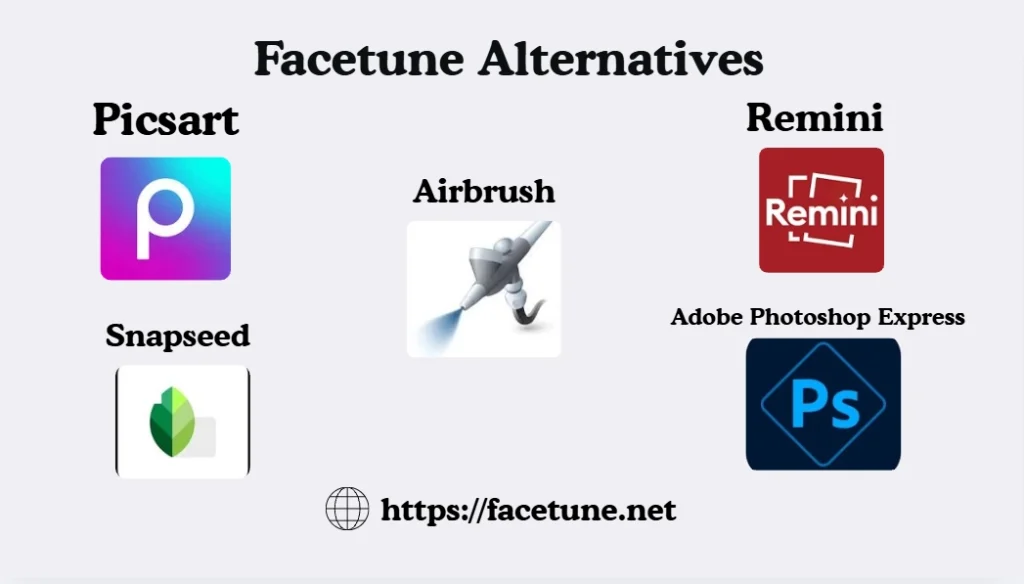
Picsart
Picsart can be seen as a much broader alternative to Facetune for individuals seeking more than portrait editing. Picsart offers many AI-driven editing tools like photo editing, removing objects from the photos, enhancing images, applying filters and effects, background removal, and even video editing. The AI technology of Picsart can also help create visual content.
Remini
Remini is especially interested in providing higher quality for photos with AI. The technology is capable of enhancing face features, fixing blurry photos, enhancing old photos, correcting colors, and even increasing the quality of low-quality photos. This tool is very helpful for those who want to enhance photo quality but not to retouch them manually.
Airbrush
Other similar tools include Airbrush. This tool uses artificial intelligence to retouch photos, edit faces, apply makeup, remove backgrounds and objects from images, edit bodies, add filters, and improve images. Airbrush also allows users to edit videos and uses mobile and web-based services.
Adobe Photoshop Express
Photoshop Express by Adobe is an application that may be used by those who wish to have not only quick editing options but also filters and other more traditional tools for working with photos.
Snapseed
There is another application known as Snapseed that may be used by users interested in more manual editing. This application has various options to adjust and enhance the images and can be helpful when users need to have more control over their photos’ end result.
FAQ’s
Facetune is an application that one can download and use with some editing features at no cost, though there are some features which will cost the user to access. These features may vary depending on updates of the software.
Yes. Facetune is available on Android phones, as well as iPhone and iPads. The most up-to-date version that suits your phone can be found on its respective application stores or on our official site.
Yes,the app Facetune comes with features for video editing and retouching. Users are able to make various adjustments to their videos along with photos.
Yes. AI plays an essential role in a lot of features of Facetune. Users will have access to tools that use AI technology for enhancing photos, portraits, hairstyles, backgrounds, and other aspects, depending on their current software version.
Yes, because Facetune offers object removal tools that can aid in getting rid of any unwanted elements in the photo. The outcome will depend on the size and position of the object that needs to be removed.
Conclusion
Facetune is a very adaptable tool which enables users to edit their photos and videos by providing them with both traditional and AI-enabled functionalities. Facetune gives people the ability to fix their selfies, make their skin look better, erase any objects from the picture, modify their facial features, style their hair, change backgrounds, use make-up effects on their photos, and generally edit their pictures.